My Ideal Python Project Setup (with uv)
Overview
I work on Python projects that span ML experiments, APIs, and full-stack applications. These projects often involve multiple Python versions, native dependencies, and fast iteration cycles. Over time, I’ve repeatedly run into broken virtual environments, dependency conflicts, and setups that were difficult to reproduce across machines or projects.
Rather than fixing these issues ad hoc every time, I decided to settle on a Python project setup that prioritizes reproducibility, isolation, and predictable behavior.
This post outlines the constraints I care about, the problems I want to avoid, and the tools I currently use to achieve that. This setup is not a one-size-fits-all solution. Some of the choices I describe may not be feasible or desirable for every workflow.
Problems This Setup Is Designed to Avoid
These are a few issues ranging from recurring problems to smaller annoyances that consistently slow me down when working on Python projects :
- Slow virtual environment creation time
- Slow package installation and build times
- Difficulty installing and switching between Python versions
- Improper dependency management
- Global Python leaking into project environments
- Different behavior between local and CI environments
- Security issues caused by unpinned or drifting dependencies
High-Level Overview of the Setup
At a high level, this setup separates Python version management from dependency management, keeps environments fully project-scoped, and avoids relying on system Python. Most projects follow the same structure, which makes switching contexts predictable.
Python Version Management and Virtual Environments
I want Python versions to be isolated per project and easy to switch without touching system Python. This rules out relying on whatever Python happens to be installed on the machine. For this, I use a couple of tools. For ML related workloads, I find conda with Miniforge to be quite good. It feels a bit heavy but gets the job done. Also, as far as I’m aware Miniforge has its own channel for packages which sorta bypasses the Anaconda’s licensing. Managing python versions is pretty straightforward with the conda CLI :
1# Creating virtual environments with different Python versions
2conda create -n ml-project python=3.12.7
3conda create -n web-app python=3.14.2
4
5# Activating them
6conda activate ml-project
One cool thing about conda is that, we can activate any conda environment regardless of the current working directory. This can be particularly helpful in ML projects where common dependencies like pytorch, numpy, pandas, etc can often be reused across Conda environments via shared package caches (more on that in a later blog post).
While conda solves Python versioning and native dependency issues well—especially for ML workloads—it also introduces additional complexity and overhead. For projects that don’t need full Conda environments, this trade-off started to feel unnecessary. Over the past few months, I’ve gradually switched to uv from Astral for most Python projects. uv is written in Rust (unlike conda which is written in Python) and it takes care of many issues that are mentioned above.
The uv CLI may feel a bit new but the commands for managing Python versions are quite similar to conda :
1# If these versions are not installed, they will be downloaded (similar to conda)
2uv venv ml-project --python 3.12.7
3uv venv web-app --python 3.14.2
4
5# Activating them
6source ./ml-project/bin/activate
Package Management
pip is by far the most widely used Python package installer, and for good reason. It has been around since 2008, integrates tightly with the Python ecosystem, and provides access to the vast majority of packages published on PyPI. For day-to-day development, pip install foobar works remarkably well. Where issues start to appear is in long-lived or production environments that enforce strict dependency pinning, especially when security or vulnerability scans recommend upgrading packages to their latest versions. In these situations, pip may fail to resolve a compatible set of dependencies, not because it is broken, but because the requested version constraints are fundamentally incompatible.
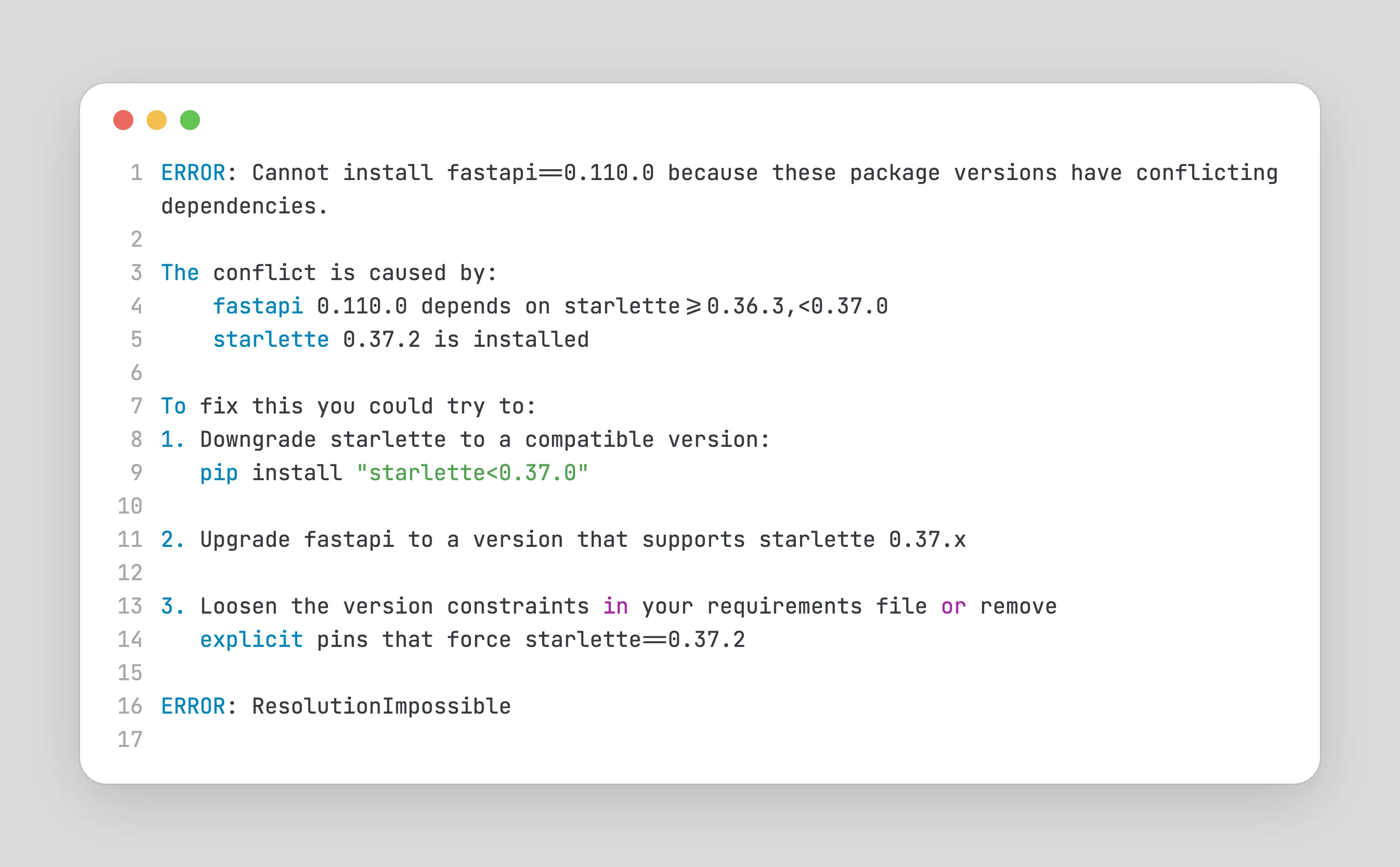
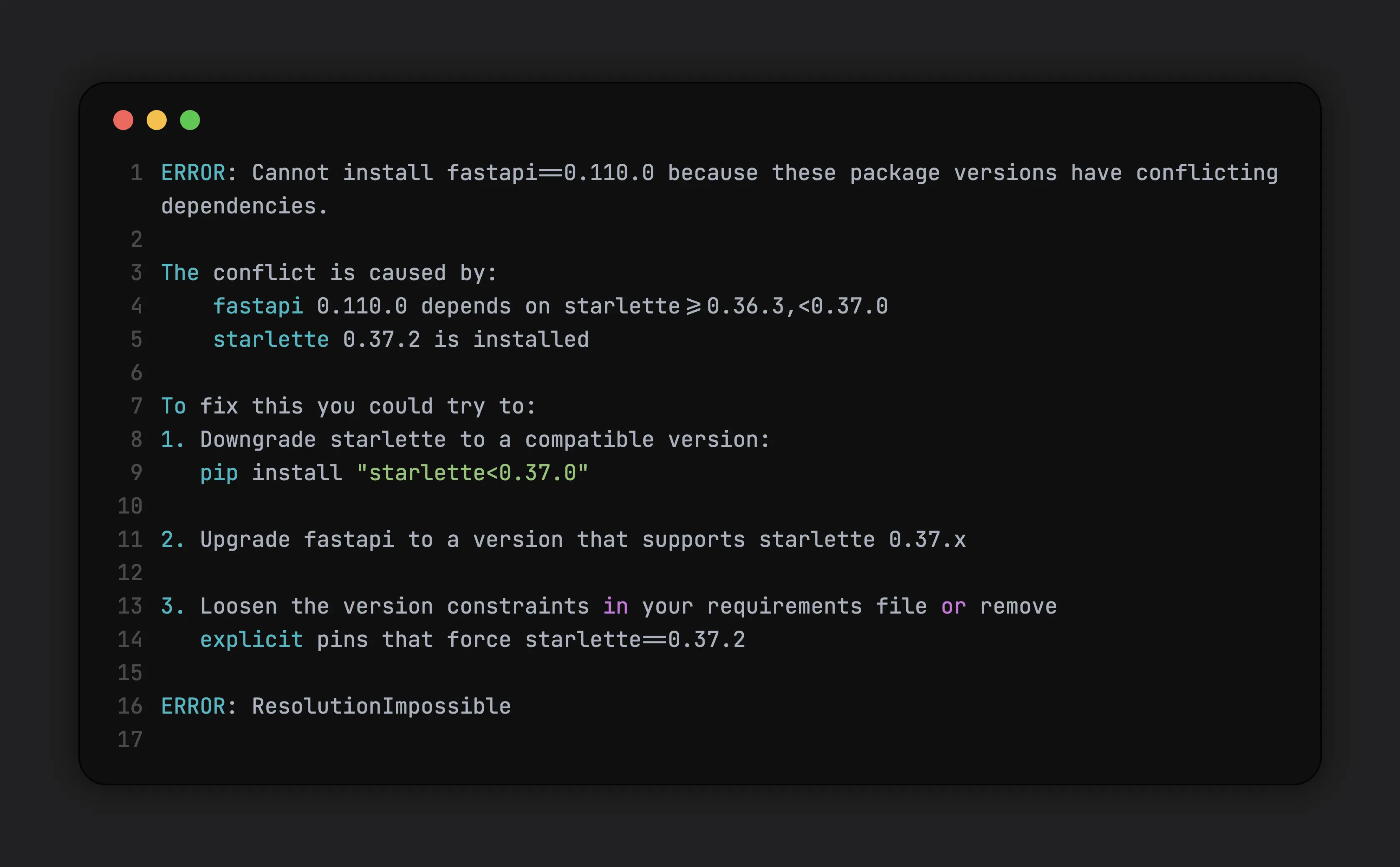
This usually requires manual intervention : relaxing version constraints, selectively pinning transitive dependencies, or waiting for upstream packages to update their compatibility ranges. Now, in scenarios like this, fast iteration becomes important. pip maintains a cache so that it doesn’t need to install the whole thing again but if the version conflicts are with a fairly large package like pytorch, it does take quite some time.
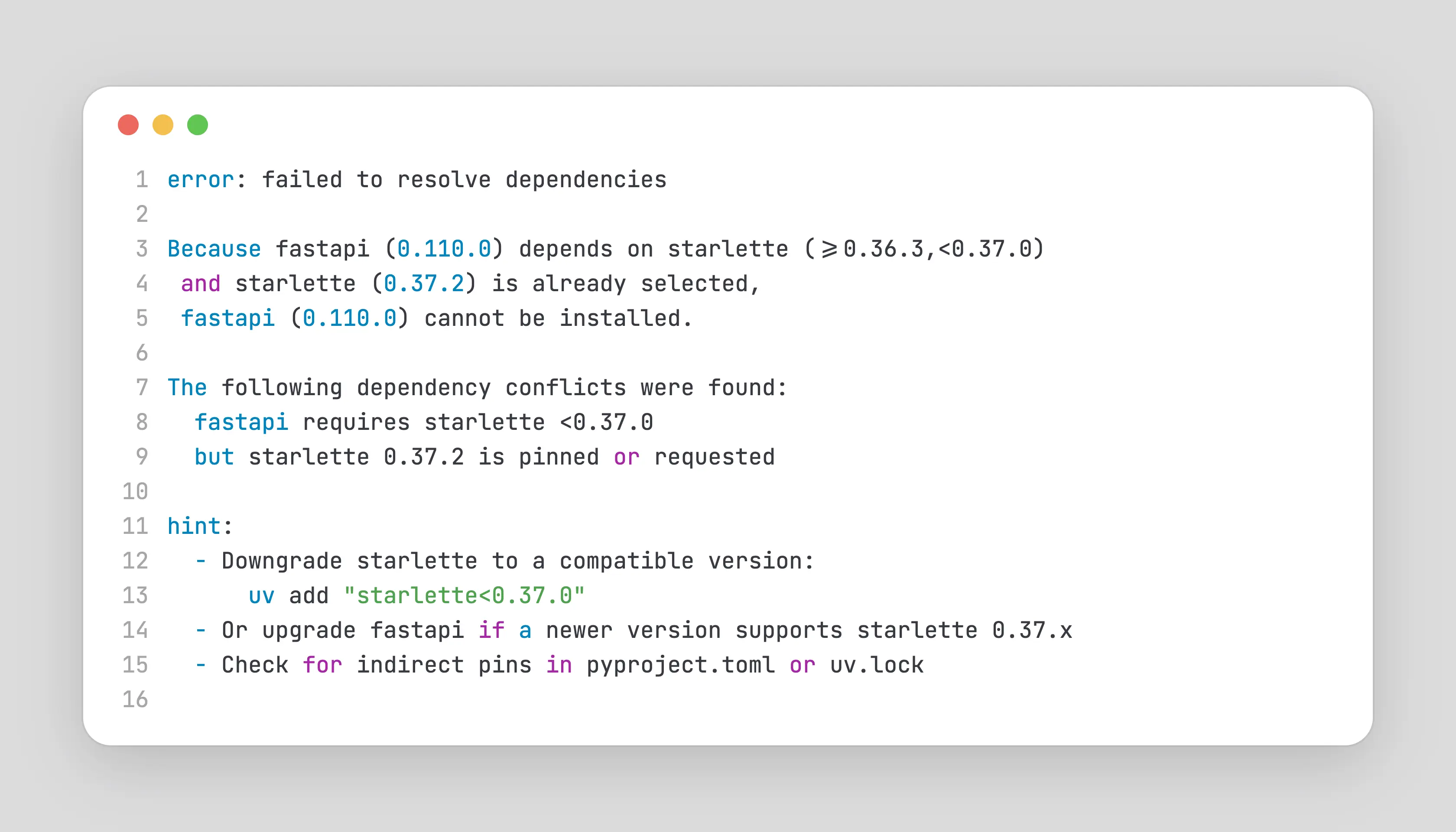
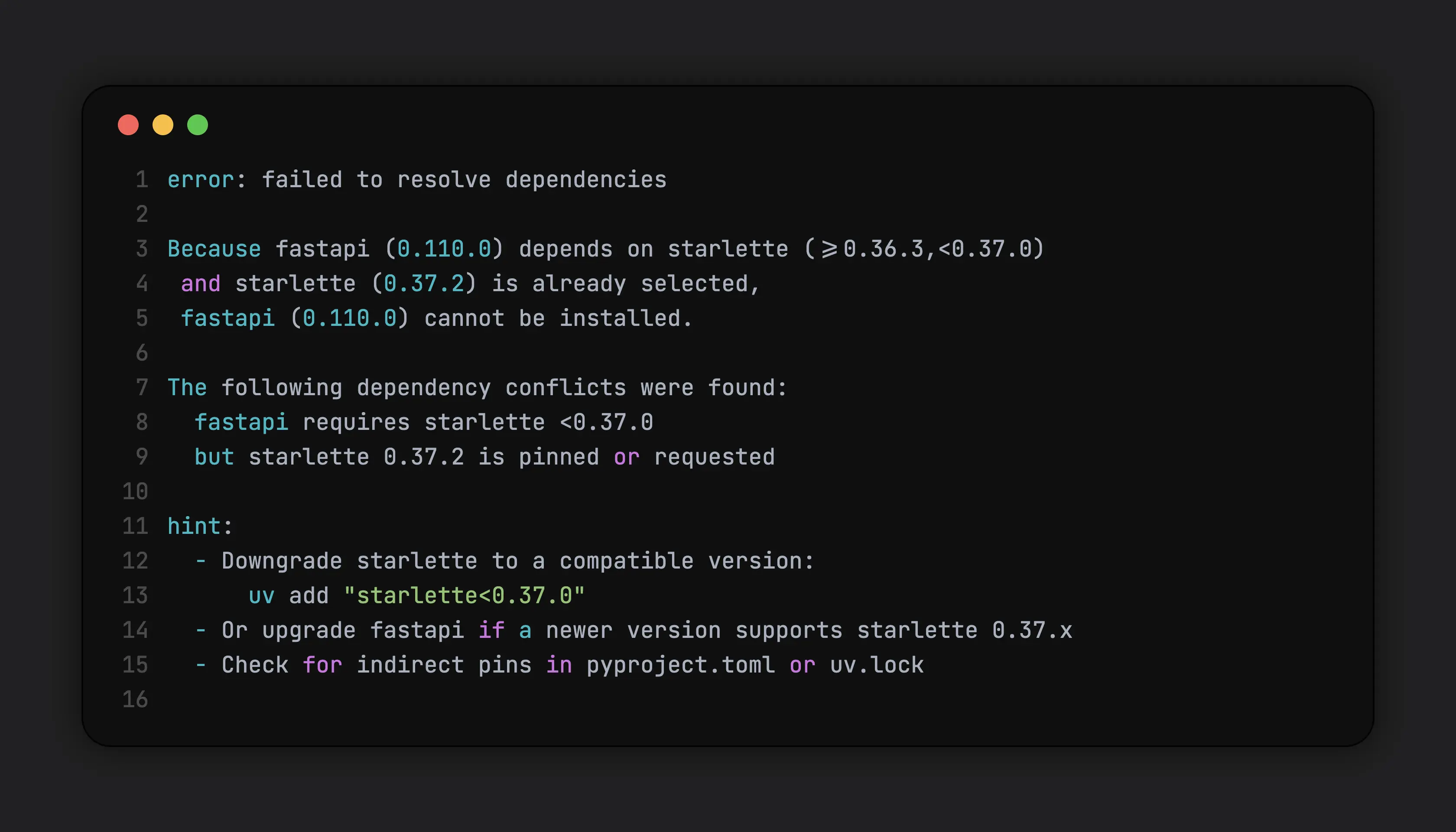
uvdoesn’t eliminate dependency conflicts, but it significantly improves the feedback loop. Faster resolution, deterministic behavior, and clearer errors make it easier to experiment with version constraints and converge on a working set of dependencies.uvprovides two primary ways to install dependencies:uv add, which updates project metadata, anduv pip install, which behaves likepip install. While they differ internally, the important point here is iteration speed.uvresolves and installs dependencies significantly faster thanpip(around 10-100x), which is especially noticeable when working with large packages.
Dependency Management and Locking
For production-grade Python projects, dependency management is less about installing packages and more about controlling change. Unpinned or loosely pinned dependencies can drift over time, leading to non-reproducible environments and hard-to-debug failures.
For example, consider a FastAPI project that depends on fastapi and starlette. Suppose your requirements.txt simply lists :
1fastapi
2starlette
Without pinned versions, running pip install -r requirements.txt today might install:
fastapi 0.100.0starlette 0.27.0
but next week, after a new release, it might install :
fastapi 0.101.0starlette 0.28.0
If there are breaking changes in starlette 0.28.0 (say, a changed middleware API), your previously working code could fail locally, in CI or production, even though nothing in your code changed By contrast, using pinned dependencies (or a lockfile) ensures that every environment gets the exact same versions. A simple update to requirements.txt such as this is far better than just listing the dependencies :
1fastapi==0.100.0
2starlette==0.27.0
But even in this approach, there is a slight issue.starlette may internally depend on say python-multipart. Now, what happens in python-multipart has updates that might have breaking changes in starlette’s current version ? Things might break in your FastAPI app. In order to fix this, following this trend, you might do something like this :
1fastapi==0.100.0
2starlette==0.27.0
3python-multipart==0.0.19
... Hmm that seems okay. But, as the number of transitive dependencies grows, manually pinning them quickly becomes error-prone and unscalable. Since all dependencies are modelled as a graph, why not dump the whole graph ? That’s sort of what lockfiles in package managers do. In this setup, dependencies are explicitly declared and resolved into a lockfile. This ensures that every installation, local or in CI, uses the same dependency graph. There are many ways to “lock” the dependencies :
| Tool / Workflow | Lockfile Support | Lockfile Format | Notes |
|---|---|---|---|
| pip | 🔴 Not native | None | Can freeze installed packages manually using pip freeze, but no declarative locking |
| pip-tools | 🟢 Yes | requirements.txt (from *.in) | Resolves and pins transitive dependencies deterministically |
| Pipenv | 🟢 Yes | Pipfile.lock | Uses Pipfile for declaration and lockfile for reproducibility |
| uv | 🟢 Yes | uv.lock | Fast, deterministic resolver; integrates Python version management |
| conda | 🟡 Partial | environment.yml | Locks package names and versions, but resolution can vary across platforms |
The exact tooling matters less than the principle : dependency graphs should be resolved once and reused everywhere.
While security scans may recommend upgrading to the latest versions, those upgrades still need to respect compatibility constraints across the entire dependency tree.
Tools like uv improve this workflow by producing deterministic lockfiles and resolving dependencies quickly.
But as mentioned before, they don’t eliminate the need for manual intervention when constraints conflict.
Project Structure
For almost all of my production grade Python projects, I follow this project structure :
 1my-app
 2|
 3|-- .python-version
 4|-- pyproject.toml
 5|-- uv.lock
 6|
 7|-- generate-requirements-txt.sh (for security related tools that don't support uv)
 8|-- requirements.txt
 9|
10|-- setup-git-hooks.sh
11|-- cliff.toml
12|-- ... project-specific tooling configs
13|
14|-- Dockerfile
15|-- docker-compose.yaml
16|
17|-- .gitignore
18|-- .dockerignore
19|-- ... other ignore files
20|
21|-- pytest.ini
22|-- ... other core tooling configs
23|
24|-- README.md
25|-- CONTRIBUTING.md
26|-- CODE_OF_CONDUCT.md
27|-- PULL_REQUEST_TEMPLATE.md
28|
29|-- src
30|   |-- ... actual code
Other project-specific tooling (for example, schemathesis for API fuzzing) is configured at the top level when required.
CI and Automation
In CI, I keep the Python runtime and dependency graph explicit so that I don’t encounter any last minute surprises. Rather than relying on the system Python provided by the base image, I use uv to provision the exact Python version and install dependencies from a lockfile. This decouples application behavior from the underlying image, reduces environment drift between local, CI and production builds.
One other plus point to this approach is : it allows base Docker images to be upgraded in response to security and vulnerability scans without unintentionally changing Python or dependency behavior. As a result, security-driven changes remain scoped and predictable, rather than cascading into unexpected runtime issues.
A similar thing can be achieved using conda but uv’s shear speed makes this process a whole lot smoother
Trade-offs and Limitations
This approach is not without trade-offs. It introduces additional tooling and concepts that may be unnecessary for small scripts or short-lived experiments.
Tool maturity
uvis relatively new compared topiporconda, and adopting it requires some upfront learning and ecosystem buy-in. While uv provides a familiar pip-compatible interface to ease migration, there are important behavioral differences—especially around dependency updates - that users need to be aware of- Some concepts in uv, such as tools, can feel non-obvious at first. They are powerful, but opinionated, and may require prior exposure to similar patterns (for example, npx in the JavaScript ecosystem)
Reduced flexibility during upgrades
- Strict dependency locking can slow down upgrades when upstream packages lag in compatibility. In such cases, using the
uv pipinterface instead ofuv addmay be more practical. - For projects where rapid experimentation outweighs long-term stability, a lighter setup may be more appropriate.
Platform-specific considerations
- While this setup improves reproducibility, differences in OS-level dependencies can still surface, particularly when working with native extensions.
Conclusion
This setup is the result of repeatedly running into the same classes of problems across different Python projects and optimizing for predictability rather than convenience. By making the Python runtime, dependency graph, and tooling explicit, it becomes much easier to reason about changes, reproduce environments, and move projects forward with confidence. While the specific tools may evolve over time, the underlying principles such as isolation, reproducibility, and controlled change are what make the setup durable.
Comments